
You can read Distraction-Free Learning on the reMarkable here. Or the 2nd post in this series – reMarkable’s Hidden Features and Power-User Secrets.
In this final post about the remarkable reMarkable e-Ink tablet, I thought it would be helpful to go over some of the ways I use the reMarkable tablet, and then close with how different professions make use of this digital paper in their daily lives.
My Morning Routine
Having a routine, whether in the morning or during the day, helps me as a retiree, get things done efficiently, ensuring that I don’t omit things that are important to me. I’m a bit of a productivity hobbyist, so I’m always tweaking my routines to make everything faster and simpler.
After showering and starting on my first cup of green tea, I open my MacBook Pro at our breakfast table and type a TextExpander snippet onto a blank Day One entry (my journalling app). The simple snippet is xdot. That snippet expands to template I made that covers the key points I want write about each day. It looks something like this before I even start filling it in:
## Wednesday –
Bed to tea – mins
Bed to desk – mins It is now 06:15.
To sleep at PM. Up at AM. Slept hrs and mins.
Actual sleep: Sleep Score:
At round table with green tea at
Rinsed and shampooed.
### Everything is my teacher
### Never let old in
## Today’s Menu:
#### Link To Intentions And More In Noteplan…
## Today’s Events
### From reMarkable
## Entertainment
## Reading
## Writing
## Matinée
## Tech
The day of the week is automatically inserted, in this case “Wednesday”. And the cursor start position in placed under “Today’s Menu”. I won’t go into all the details of the snippet. It wouldn’t make a lot of sense to you if you haven’t tried TextExpander, which I highly recommend. Suffice to say, after I fill all of the fields, I have a pretty good picture of what I did that day. Some days the entries are sparse. Other days, if I met with family, or met a new person, or if something unusual happened, the entry can get lengthy.
Daily Notebook Use
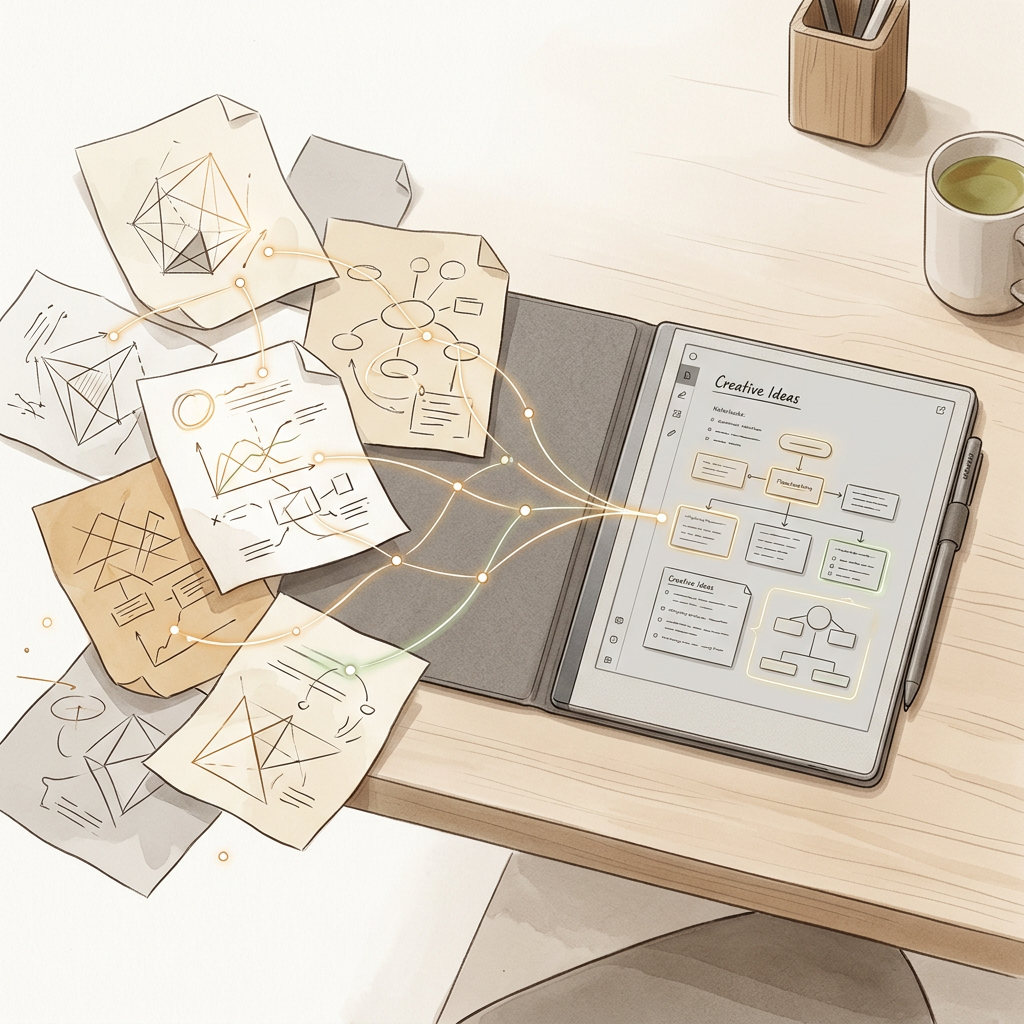
You are probably asking yourself, “What does this have to do with the reMarkable?” A valid question. Well, as I go through each day, I am making notes in my tablet. It is quick and convenient. I don’t need to decide which app to use, and open another device. I quickly capture the thought, task, or observation, by jotting it down in my daily reMarkable notebook. Each day I make a new daily notebook. And all those notes are converted to text the next morning (in about 3 seconds), and then copied into yesterday’s Day One entry under the header “From reMarkable”.
Editing Yesterday’s reMarkable Notes
I then edit, modify, and expand those “jottings” in yesterday’s Day One entry. This way I capture even more of the day. Some of those items are tasks I need to remember to do. Those tasks, once they are in Day One, are copied to Apple’s Reminder app. If I don’t write it down, it most likely will fall through the cracks.
Other times a note is something I want to research. I may have read something, or seen something on YouTube I want to follow up on.
Or it may be a suggestion or a recommendation I should remember and follow up.
When you have a thought or an epiphany, it may disappear in mere seconds if you don’t write it down. Whether it’s your next big adventure or a fun business idea you’d like to explore, jot it down! Tomorrow, when you’ve got a moment, you can dive deeper. Think, capture, act!
Other Ways I Use My reMarkable
Learning
You may have noticed a line in my daily template that states “Everything is my teacher.” I remind myself of this every day. Continued learning keeps your mind alive and healthy. With your reMarkable by your side, whether listening to a podcast or watching a YouTube video, you are bound to come across some ideas to explore. Jot them down.
My wife is an active user of the reMarkable. Which really surprised me, because she is very hesitant about adopting anything but the most necessary technology. But now, she records our card game scores, her daily financial checklist, and does extensive research for our trips. Invariably, when I look into her office in our apartment, she is jotting down some notes in her tablet. Now she is a more avid user than I am. Especially when it comes to planning a trip. She writes down restaurants, attractions, museums, and all of our lodging information.
Projects
Most of us have some sort of project, retired or not. I write in this small blog, and am working on my memoir. Ideas and memories are noted in my daily notebook.
I meet with my friend David on average about every 2 weeks. We’ve been meeting like this for over 20 years. Since I got my reMarkable, I take notes while we have coffee or tea, and a biscuit at our local Hardee’s. He always has interesting stories, about his life, his latest website design, how he is using Claude Cowork, or some of the crazy things he comes across during his week.
Jotting down notes by hand feels much less intrusive to others than it would if you were tapping away on your laptop. And it is actually far more effective.
Drawing
I spent most of my career as a remodeling design-build contractor, and I really wish I’d had the reMarkable back then. After stepping away from the more stressful side of working with high-end clients, I focused on design, drawing floor plans using CAD. And the reMarkable was perfect for that chapter of my life. I could jot down notes while clients shared their ideas, and it was super handy when I measured and sketched the existing space. The built-in straight lines and shapes made it easy to draw each room in more detail, especially having an endless canvas to work with.
If you love sketching your art, jotting down ideas, or mapping out workflows on paper, the reMarkable is a great fit for you.
Other Use Cases
Doctors and Clinicians
Dr. Hazal Trench is a medical doctor, content creator, and social entrepreneur who also earned her Bachelor of Medicine and Bachelor of Surgery (MBBS) degree from Queen Mary University of London. Together with Dr. Lydie Kitenge, she co-runs a digital platform and charitable initiative aimed at empowering women and democratizing ambition while navigating a clinical medical career. In addition to her medical and creative work, Dr. Trench focuses on digital productivity, time management, and finding structured routines to juggle high-pressure healthcare demands alongside entrepreneurial ventures.
See how they use the reMarkable Paper Pure to manage their busy lives.
Educators and Strategists
Dr. Adrian K. Haugabrook is a strategic advisor and higher education executive with over three decades of leadership experience focused on expanding access, equity, and social mobility. He serves as Executive Vice President and Managing Director for the Social Impact Collective at Southern New Hampshire University (SNHU), where he leads initiatives to advance innovative, equity-centered education and technology solutions. The Founder and Principal of Quinta Essentia Ventures and Senior Director for Strategy at StrategyForward Advisors, he holds a Doctor of Education from the University of Massachusetts Boston and sits on boards for organizations including Complete College America and Upswing. Additionally, he is a recognized thought leader whose 2021 TED Talk on removing barriers to higher education garnered widespread national attention.
Here he shows how he thinks, and why he is certain that the future of paper has arrived.
Architects, Designers, and Journalists
Ellie Stathaki is an architecture journalist, author, and curator who serves as the Architecture & Environment Director at Wallpaper* magazine. Originally trained as an architect at the Aristotle University of Thessaloniki in Greece, she went on to study architectural history at the Bartlett School of Architecture in London. Since joining Wallpaper* in 2006, she has traveled worldwide profiling global design trends, touring landmark structures, and interviewing leading figures in the field, including Rem Koolhaas and Tadao Ando. In addition to her editorial work, she has authored and co-authored several books on contemporary residential design—including The Contemporary House, House London, and New Modern House—and frequently serves as a design judge, event moderator, and curator.
See how Ellie uses both the type folio and handwriting to flesh out her design stories.
Architect Jakob Lange works for a Danish multi-national architecture firm, Bjarke Ingles Group (BIG). He not only helps design sustainable structures, but also sketches and designs furniture for his firm using his reMarkable.
Watch how he moves from concept to reality using his tablet.
Authors and Writers
Dorothea Gundtoft is a Danish author, stylist, and creative director renowned for her expertise in Scandinavian design, fashion, and lifestyle culture. Born in Denmark and raised in southern Spain, she built an international career working in London, Paris, and Copenhagen as a fashion editor and stylist for major global publications, including Vogue, ELLE, and Dazed & Confused. She has authored several bestselling, critically acclaimed books published by Thames & Hudson—including Fashion Scandinavia, New Nordic Design, and Real Nordic Living—which showcase top creative talent across northern Europe. Beyond her publishing work, Gundtoft curated the landmark Fashion Scandinavia exhibition at London’s Somerset House during London Fashion Week and frequently consults as a brand ambassador, design judge, and tastemaker.
Dorothea stays focussed and is able to do her creative work distraction-free with her reMarkable.
Executives and Salespeople
See how Salesforce uses he reMarkable and Slack in their business. No phones or laptops allowed in a meeting. Serving nearly 90% of the Fortune 500, it is important not only to share, but to keep their thoughts, ideas, and notes secure with reMarkable’s built-in security features.
See how Miguel Milano and his vast team run a successful business with the reMarkable.
Final Thoughts
If you have any questions or comments about this series, please leave a comment below and I’ll be sure to reply. If you want to be notified of my next article, you can subscribe below or on the front page.
Thanks for taking the time to read about the reMarkable. Ciao for now, this is Randino signing off.
PS
reMarkable is not the only player out there. If you are interested in an ePaper tablet that is more complex and much more capable than the reMarkable, take a serious gander at the Supernote Manta and the new Boox Note Air6 C. Both are quite amazing, and even less costly than the reMarkable.





Leave a Reply